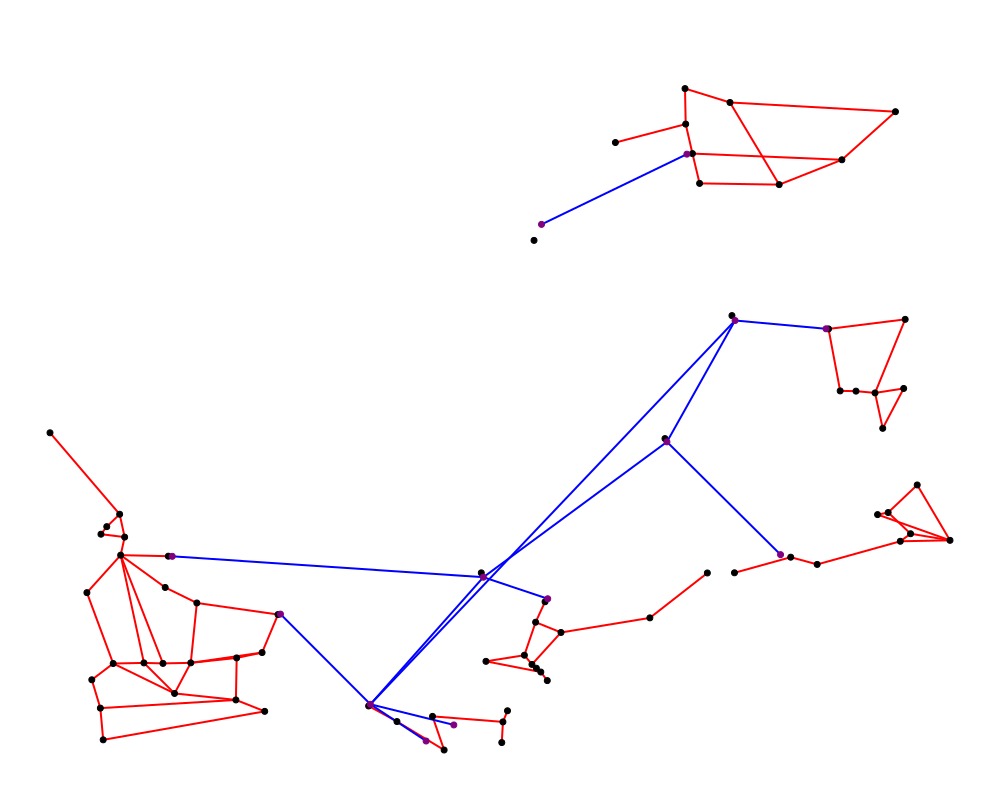
Plotting Module
This page has been pre-filled with the functions that are available in the Plotting module by AI, please check the code for more details.
This module provides functions for visualizing grid components and results.
functions are found in pyflow_acdc.Graph_and_plot
Time Series
Time series results
This function is used to plot the time series results of the grid.
- plot_TS_res(grid, start, end, plotting_choices=[], show=True, path=None, save_format=None)
Creates plots for time series results. The possible plotting choices are:
‘Power Generation by price zone’
‘Power Generation by generator’
‘Curtailment’
‘Market Prices’
‘AC line loading’
‘DC line loading’
‘AC/DC Converters’
‘Power Generation by generator area chart’
‘Power Generation by price zone area chart’
Parameter
Type
Description
Default
gridGrid
Grid with results
Required
startint
Start timeframe
Required
endint
End timeframe
Required
plotting_choiceslist
Results types to plot
All
showbool
Whether to show the plot in browser
True
pathstr
Path to save the plot
Current working directory
save_formatstr
Format to save the plot, if None, the plot are not saved
None
Example
import pyflow_acdc as pyf
import pandas as pd

[grid,results] = pyf.NS_MTDC()

start = 5750
end = 6000
obj = {'Energy_cost': 1}

market_prices_url = "https://raw.githubusercontent.com/BernardoCV/pyflow_acdc/main/examples/NS_MTDC_TS/NS_TS_marketPrices_data_sd2024.csv"
TS_MK = pd.read_csv(market_prices_url)
pyf.add_TimeSeries(grid,TS_MK)

wind_load_url = "https://raw.githubusercontent.com/BernardoCV/pyflow_acdc/main/examples/NS_MTDC_TS/NS_TS_WL_data2024.csv"
TS_wl = pd.read_csv(wind_load_url)
pyf.add_TimeSeries(grid,TS_wl)

times=pyf.TS_ACDC_OPF(grid,start,end,ObjRule=obj)

pyf.plot_TS_res(grid,start,end,save_format='svg')
Plot shown in browser:
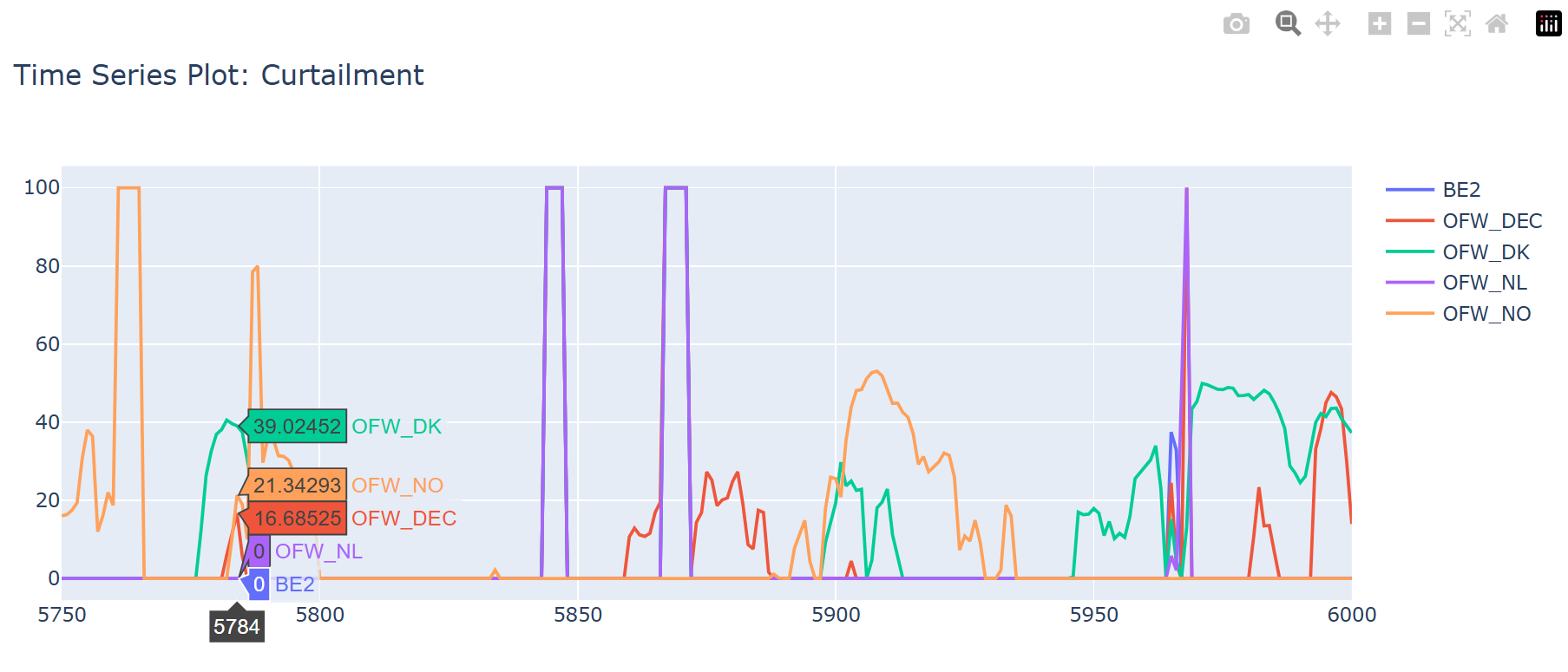
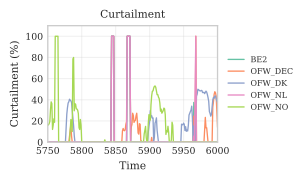
Plot saved in current working directory:
Time series probability
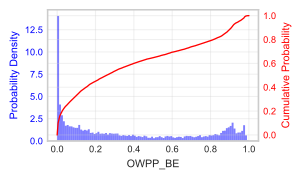
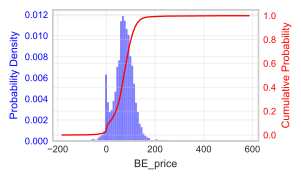
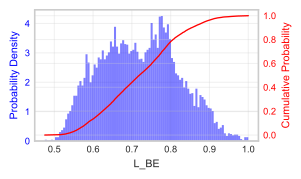
This function is used to plot the probability of the time series parameters or results of the grid. Results currently available are:
‘Power Generation by generator’
‘Prices by price zone’
‘AC line loading’
‘DC line loading’
‘AC/DC Converters loading’
- Time_series_prob(grid, element_name, save_format=None, path=None)
Parameter
Type
Description
Default
gridGrid Class
Grid to analyze
Required
element_namestr
Name of element to analyze
Required
save_formatstr
Format to save the plot, if None, the plot are not saved
None
pathstr
Path to save the plot
Current working directory
Example
import pyflow_acdc as pyf
import pandas as pd

[grid,results] = pyf.NS_MTDC()

start = 5750
end = 6000
obj = {'Energy_cost': 1}

market_prices_url = "https://raw.githubusercontent.com/BernardoCV/pyflow_acdc/main/examples/NS_MTDC_TS/NS_TS_marketPrices_data_sd2024.csv"
TS_MK = pd.read_csv(market_prices_url)
pyf.add_TimeSeries(grid,TS_MK)

wind_load_url = "https://raw.githubusercontent.com/BernardoCV/pyflow_acdc/main/examples/NS_MTDC_TS/NS_TS_WL_data2024.csv"
TS_wl = pd.read_csv(wind_load_url)
pyf.add_TimeSeries(grid,TS_wl)

pyf.Time_series_prob(grid,'OWPP_BE',save_format='svg')
pyf.Time_series_prob(grid,'BE_price',save_format='svg')
pyf.Time_series_prob(grid,'L_BE',save_format='svg')
Network Graph Visualization
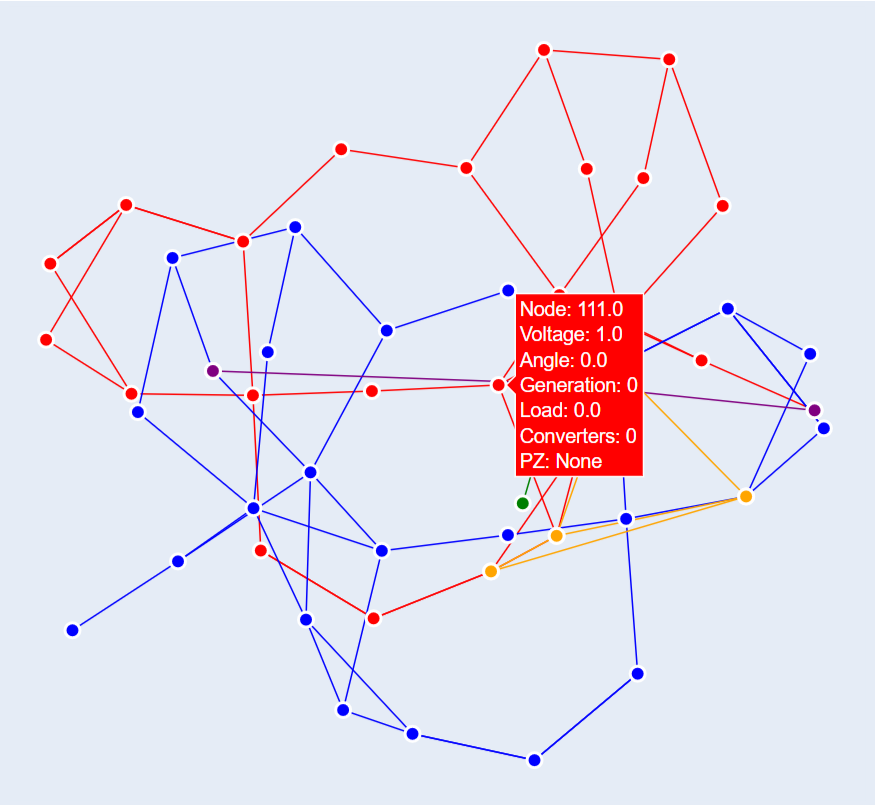
Full grid visualization as a network graph
- plot_Graph(Grid,text='inPu',base_node_size=10,G=None):
Creates an interactive network graph visualization using Plotly.
Parameter
Type
Description
Default
GridGrid
Grid to visualize
Required
textstr
Hover text format (‘data’ or ‘inPu’ or ‘abs’)
‘inPu’
base_node_sizeint
Base size for nodes
10
GGraph
Graph to visualize
Full grid
Example
import pyflow_acdc as pyf

grid,res = pyf.case24_3zones_acdc()

pyf.plot_Graph(grid)
Neighbor Graph
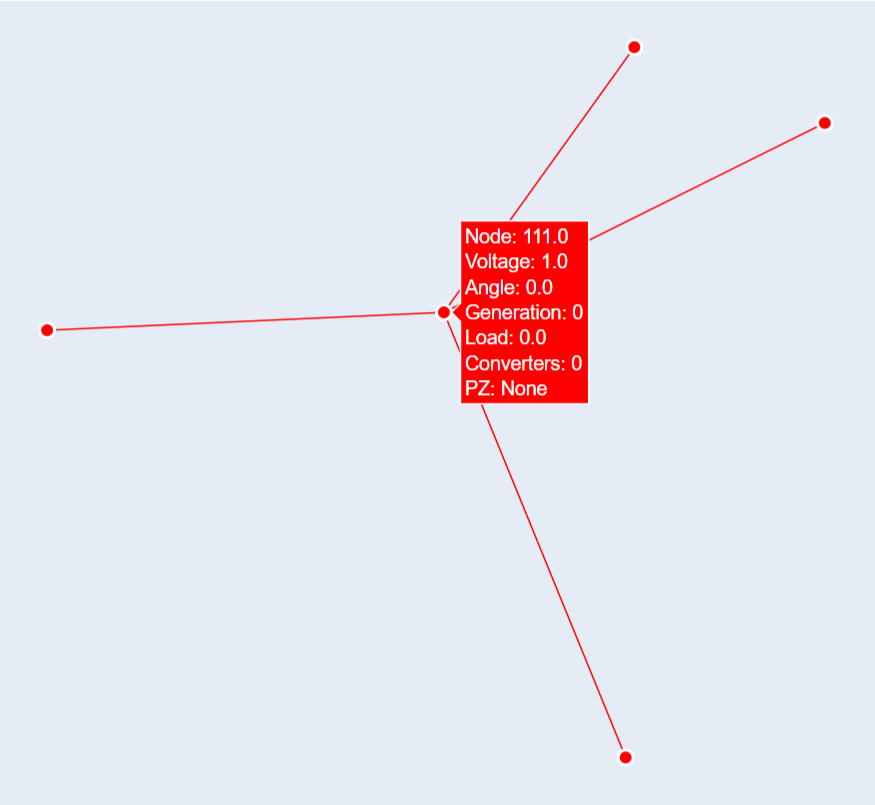
This function is used to plot the neighbor graph of a node. You can either provide a node or a node name, one or the other must be provided.
- plot_neighbour_graph(grid, node=None, node_name=None, base_node_size=10, proximity=1)
Creates a graph visualization of a node’s neighbors.
Parameter
Type
Description
Default
gridGrid
Grid to analyze
Required
nodeNode
Node object
None
node_namestr
Node name
None
base_node_sizeint
Base size for nodes
10
proximityint
Proximity
1
Example
import pyflow_acdc as pyf

grid,res = pyf.case24_3zones_acdc()

pyf.plot_neighbour_graph(grid,node_name='111.0')
Saving the Network Graph
For this function, you need to have the svgwrite library installed. You can install it using pip install svgwrite. geometry of objects is required.
- save_network_svg(grid, name='grid_network', width=1000, height=800)
Saves the network graph as an SVG file.
Parameter
Type
Description
Default
gridGrid
Grid to save
Required
namestr
Name of the file
‘grid_network’
widthint
Width of the file
1000
heightint
Height of the file
800
Example
import pyflow_acdc as pyf

grid,res = pyf.NS_MTDC()

grid.save_network_svg(grid)